Archiving with Assurance: Transitioning from PDF to PDFa
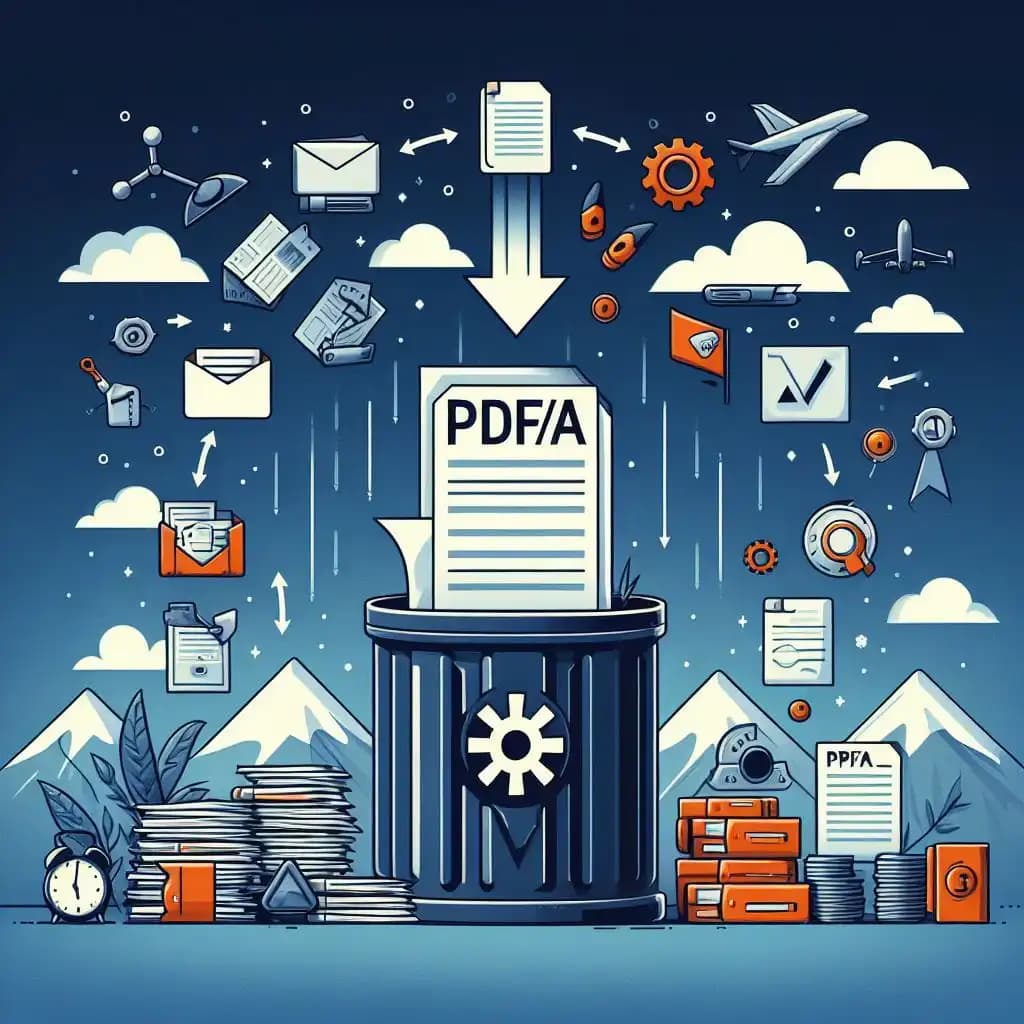
Ensuring the endurance and integrity of documents is crucial when it comes to digital archiving. Making the switch from regular PDF files to PDF/A format is essential for anyone who wants to keep significant papers around for a long time. This thorough blog will provide you all the information you need to successfully convert and archive your PDFs as PDF/A, making sure they endure throughout time. It even includes tactics and recommendations for doing so.
Introduction to PDF and PDF/A
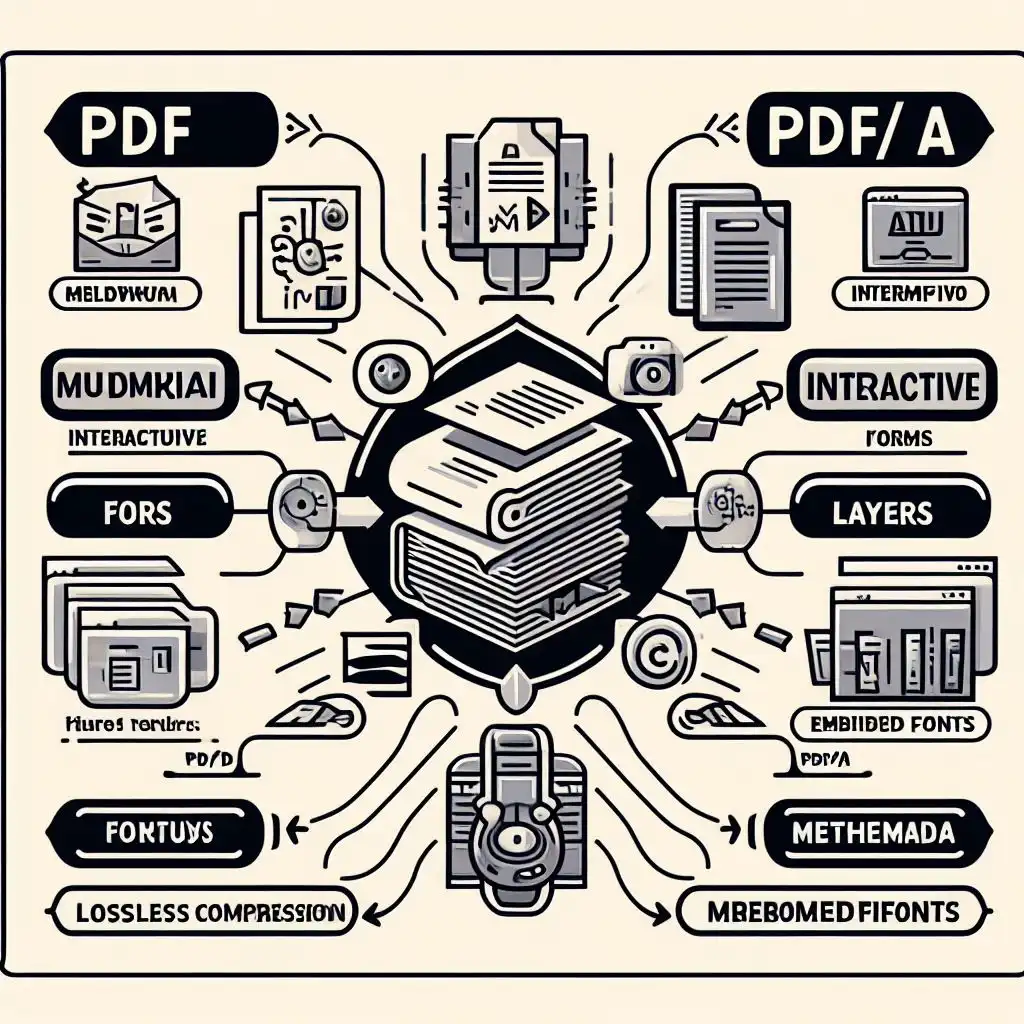
Understanding the distinction between PDF and PDF/A formats is crucial. While both serve as formats for presenting documents electronically, PDF/A is designed specifically for archiving. It restricts certain features to ensure that the document can be reproduced exactly the same way in years to come, regardless of future changes in technology.
Why Transition to PDF/A?
Transitioning to PDF/A offers numerous benefits:
- Ensures long-term accessibility of documents.
- Guarantees that document appearance remains consistent over time.
- Meets legal and regulatory requirements for document archiving.
How to Convert PDF to PDF/A
-
Choosing the Right Tool: Select a reliable PDF to PDFa converter. Many tools available online offer a seamless conversion experience, ensuring that your documents meet the archival standards of PDF/A.
-
Conversion Process: Utilize the 'convert pdf to pdfa' function in your chosen software. This process typically involves uploading your original PDF file and selecting the PDF/A standard you wish to comply with (e.g., PDF/A-1b, PDF/A-2b).
-
Validation: After conversion, it's essential to validate the file to ensure it meets PDF/A standards. Some converters include a validation feature, or you can use separate validation tools.
Tips for a Successful Transition
-
Backup Original Documents: Always keep a copy of your original PDFs before conversion, in case you need to reference or revert back.
-
Understand PDF/A Variants: Familiarize yourself with different PDF/A standards (e.g., PDF/A-1a, PDF/A-2u) to choose the most suitable one for your needs.
-
Regularly Update Archives: Technology evolves, so periodically check your PDF/A files with updated validation tools to ensure they remain compliant.
Converting Back: PDFa to PDF
While the primary goal of PDF/A is for archiving, you might need to convert PDF/A files back to standard PDF for editing or other purposes. This process is usually straightforward with tools that offer 'pdfa to pdf' conversion. However, remember that converting back might reintroduce non-archival elements.
Conclusion: Secure Your Legacy
By transitioning from PDF to PDF/A, you're not just archiving files; you're securing a legacy. This ensures that future generations can access, view, and utilize your documents just as you intended, no matter how digital standards evolve. Embrace the transition with the right tools and strategies, and you can archive with assurance, knowing your documents are preserved against the test of time.
This guide aims to provide you with a clear understanding and actionable steps for converting your PDF documents to PDF/A, ensuring they are preserved accurately for future reference.
Try our tools to Convert PDF to PDFa. Its Free!
- woowpdf
- pdfa online
- pdf to pdfa
Share